깃허브 블로그를 만드는데 잔디가 찍히지 않는 경우
깃허브 블로그를 만드는데 잔디가 찍히지 않는 경우
github에서 contribution에 초록불이 들어오지 않았을 때의 원인은 2가지인데
-
github profile과 git의 name, email이 일치하지 않거나
-
다른 github page에서 fork해 온 repository를 commit할 때는 contribution에 초록 불이 들어오지 않는다.
두 번째 문제에서 많은 시행착오를 거쳐서 어떻게 해결했는지를 post하고자 한다.
예시는 minimal-miskakes jekyll theme이다.
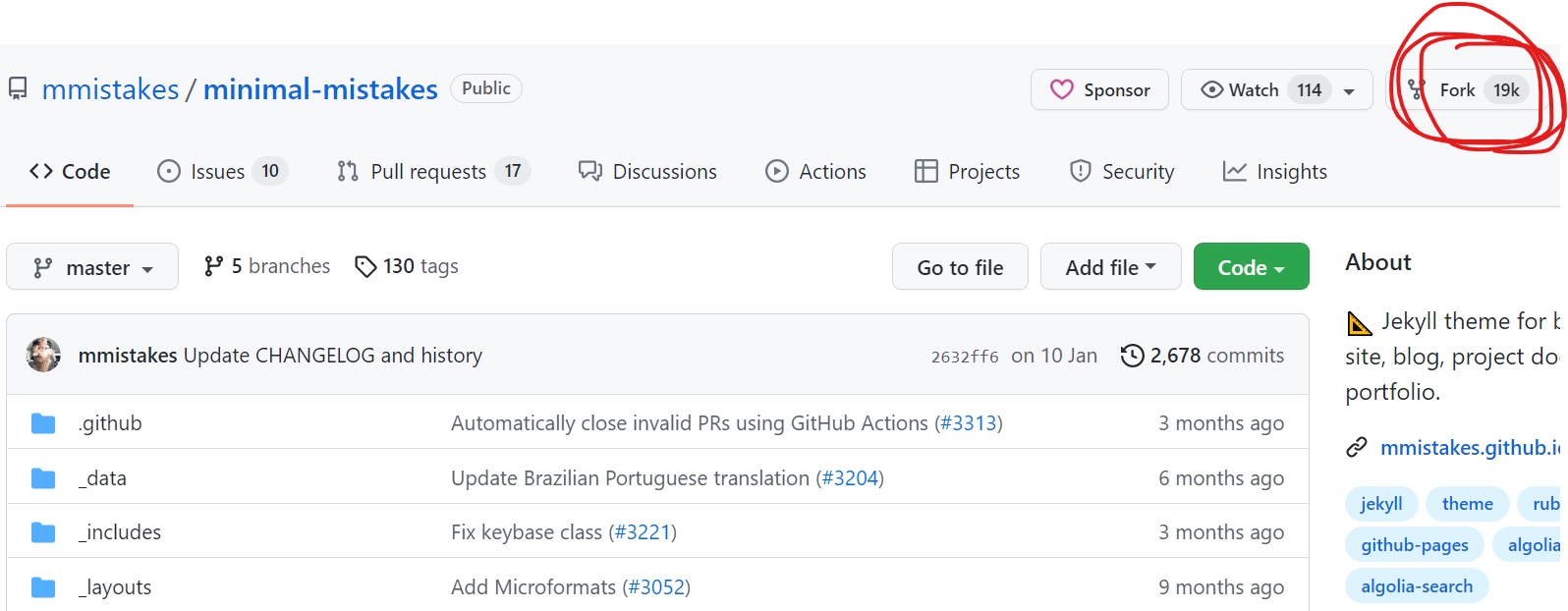
먼저 fork를 하고 내 깃허브에 임의의 new라는 repository를 하나 만들었다.
그 후 git에서
git clone --bare https://github.com/LeeJeaHyuk/minimal-mistakes.git
cd minimal-mistakes.git
git push --mirror https://github.com/LeeJeaHyuk/new.git
cd ..
rm -rf minimal-mistakes.git
fork해 온 repostiory를 clone해 준 후에 새로 만든 repository로 mirror한 후에 지워 준다.
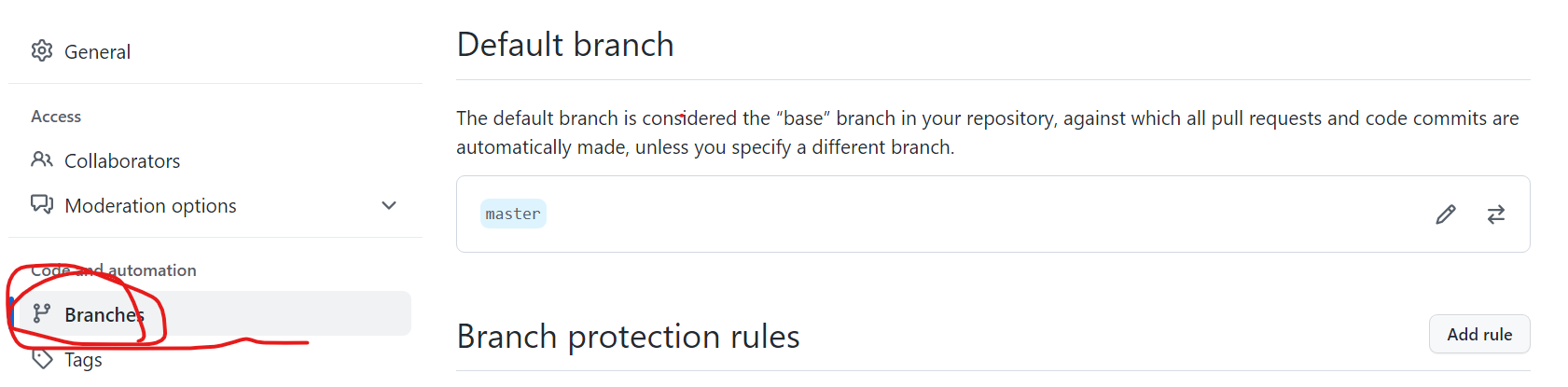
그리고 새로 만든 new repository의 branch를 확인해 보면 flexbox-sticky-footer가 default branch로 되어 있는데 이는 setting-branch에서 바꿔 줄 수 있다.
그다음 repository 이름을 username.github.io로 바꾸어 주면 된다.